case studies
How to make a repeating pattern in Photoshop - or any other digital program!
A repeat pattern is any pattern you can tile without visible cuts or borders. While this seamless pattern design looks impressive and professional, it’s not complicated to make— anyone can create one with free tools and without design experience.
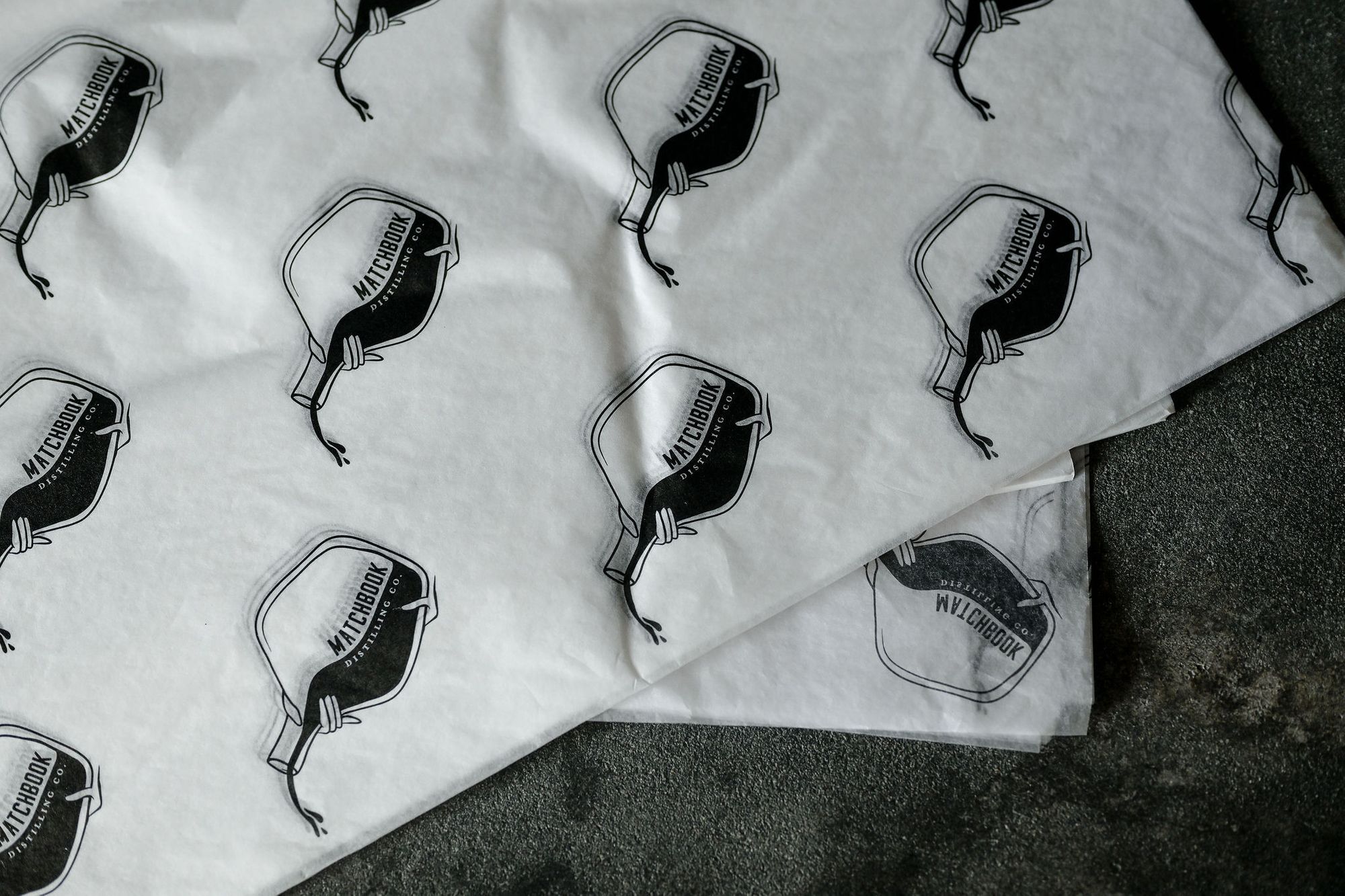
In this post, we’ll explain how to create a repeating pattern in Photoshop so you can print your own custom tissue paper! The same basic principles of making patterns apply to other free computer programs. However, the exact process might differ depending on which software you use.
Want to learn how to create a repeat pattern in vector programs like Illustrator and Affinity Designer? Check out this expert guide by Bonnie Christine!
How do you make a seamless repeating pattern?
1. Draw your artwork
Sketch and line the individual elements of your pattern digitally or with pen and paper. Here’s your chance to get creative in creating your artwork — the possibilities are endless! Your pattern can be as complex or simple as you like. Scroll down to find some stylish pattern inspo.
If you’re drawing on paper, working on a square grid can be helpful. Once you’ve created the basic elements, scan your drawing and clean it up on the computer.
2. Create a new document in Photoshop
Create a new document for your pattern in Photoshop (or any image editing tool with layers). Set the document size to at least 3" x 3". Ensure the DPI is set to 300 to ensure excellent print quality. Add your images to a new layer.
3. Offset your pattern design
In Photoshop
Move the layer by half your document size in the vertical and horizontal directions. You can use the offset filter (Filter \u003e Other \u003e Offset). For example, your document size is set to 2000px, offset the vertical and horizontal distance by 1000px.
In other programs
Drag your artwork layer left until the halfway point is at the edge of the canvas. Duplicate the layer and drag it right until the two layers line up. Now, repeat the same process with the vertical axis so that the (previously) outer edges all touch along the center of the square. Merge all of your art layers.
4. Fill in the blanks
Space out the objects in your design to produce a balanced pattern. If you have empty space, you can draw more art to fill your design. You can also copy and paste mirrored or rotated objects from the existing canvas. Ensure that you only edit the objects that aren’t touching the edge of your design.
5. Offset your canvas again
In Photoshop
Repeat the same offset process so your design returns to its original position. Now, you can edit your pattern as necessary, like moving or resizing elements.
In other programs
Select the whole canvas and copy and paste the art to a new layer. This ensures that none of the off-screen elements are still in your pattern. Then, you can repeat the same offsetting process as before. After you drag the design back into its original position, you can adjust your pattern as necessary.
Now you’ve just created a pattern with your own artwork — and it’s ready for printing on whatever you want!
What is an example of a repeating pattern?
While many types of patterns are found in surface design, some of the most popular types include full drop, half brick, half drop, and toss/random.

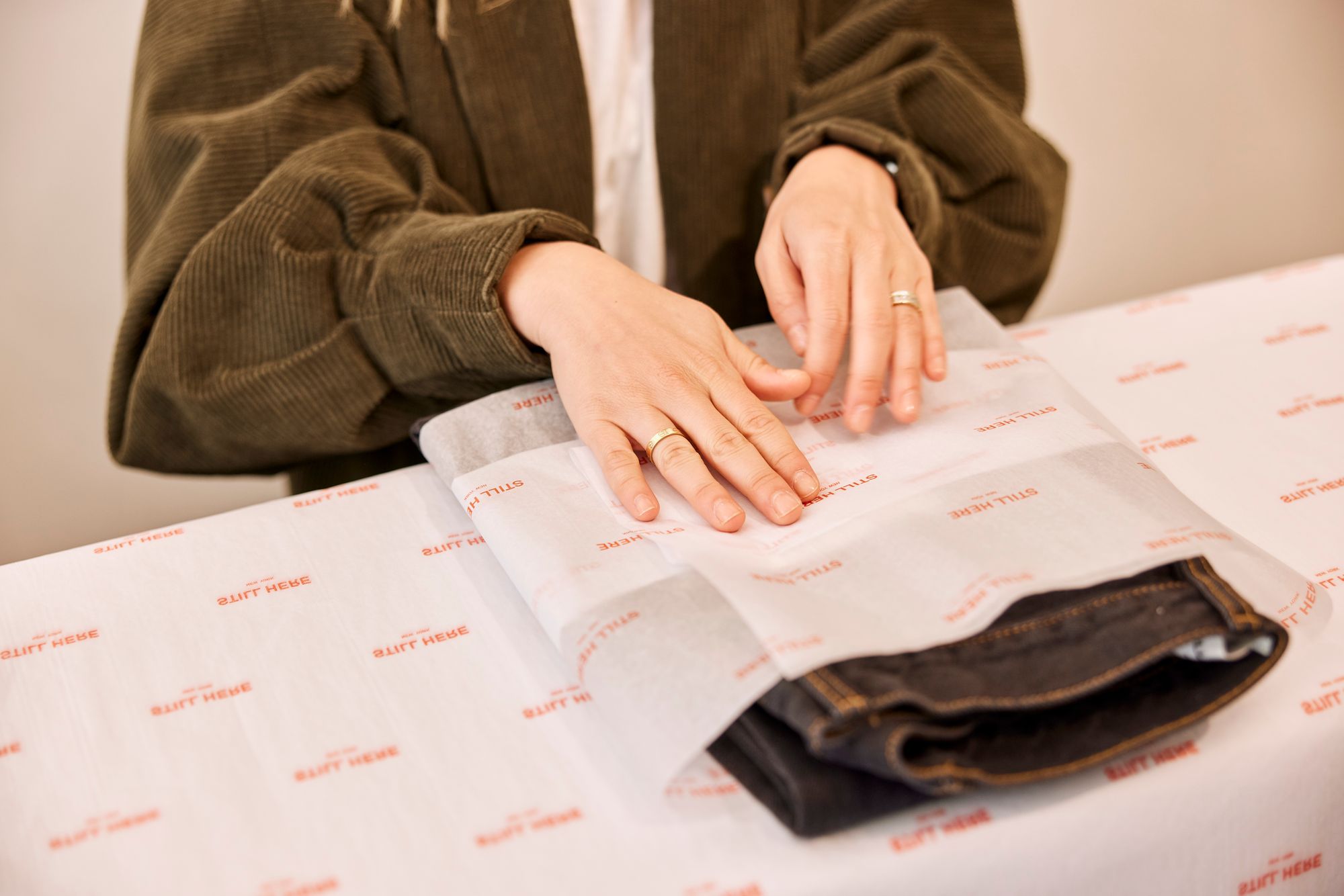
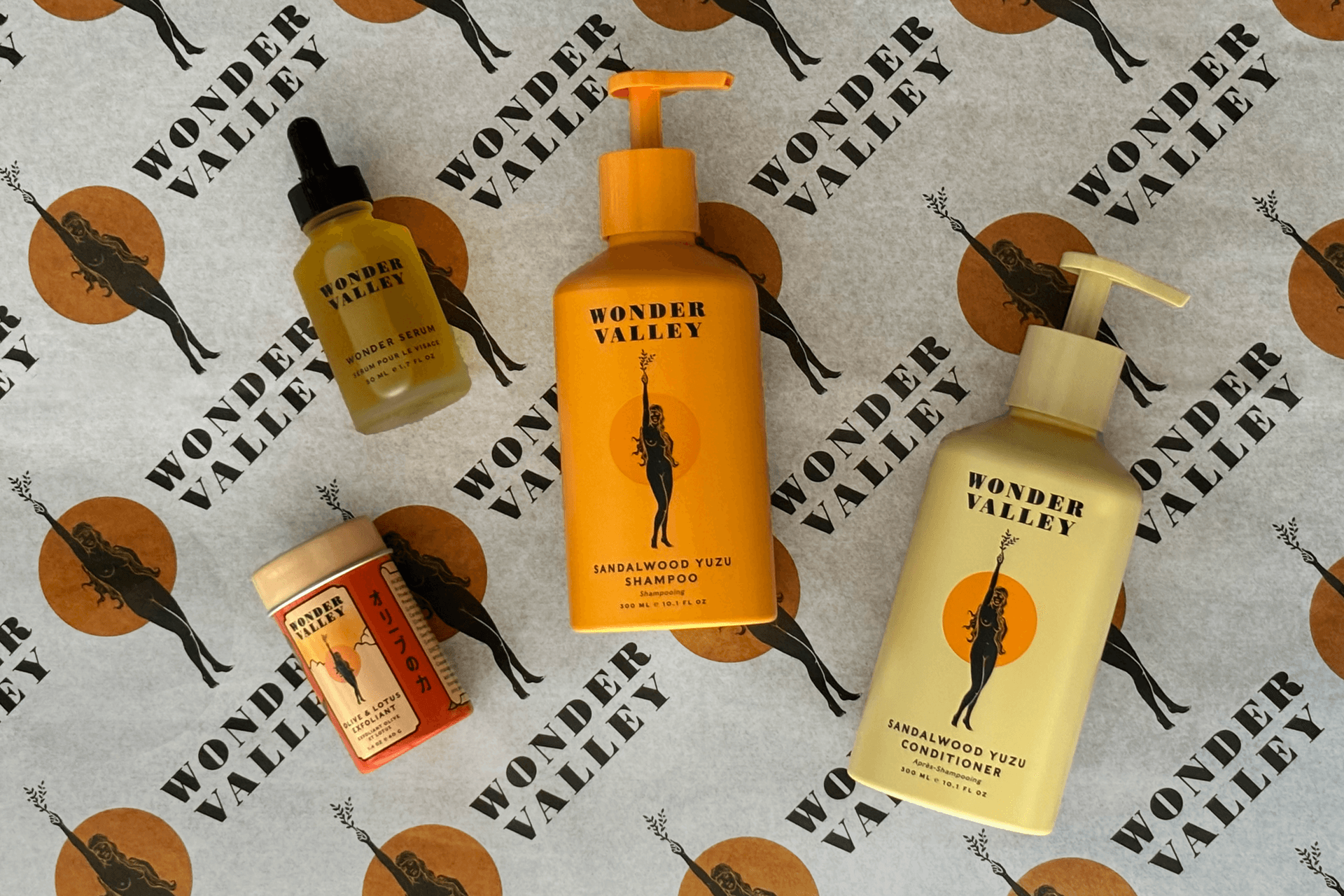
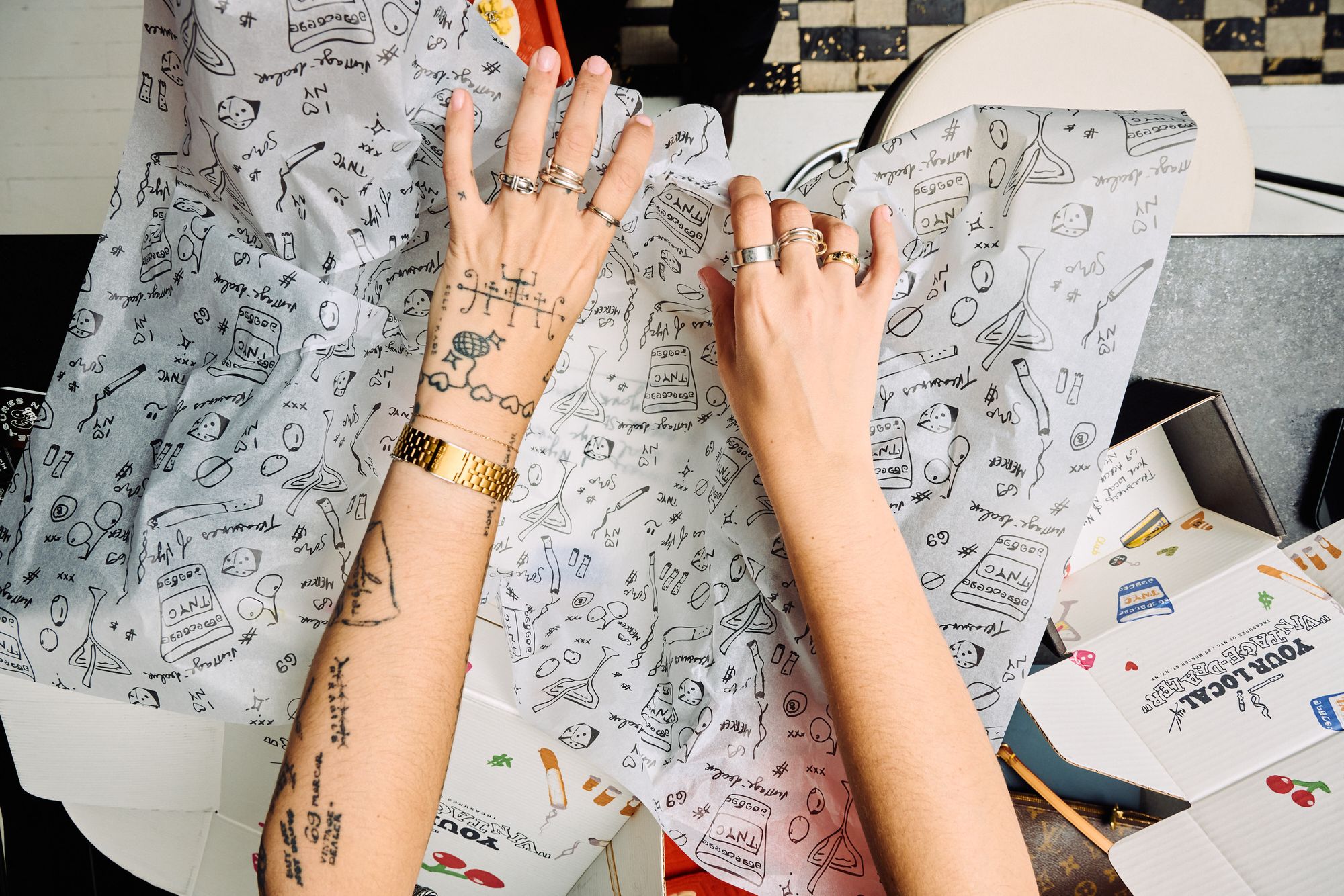
What do people use repeat patterns for?
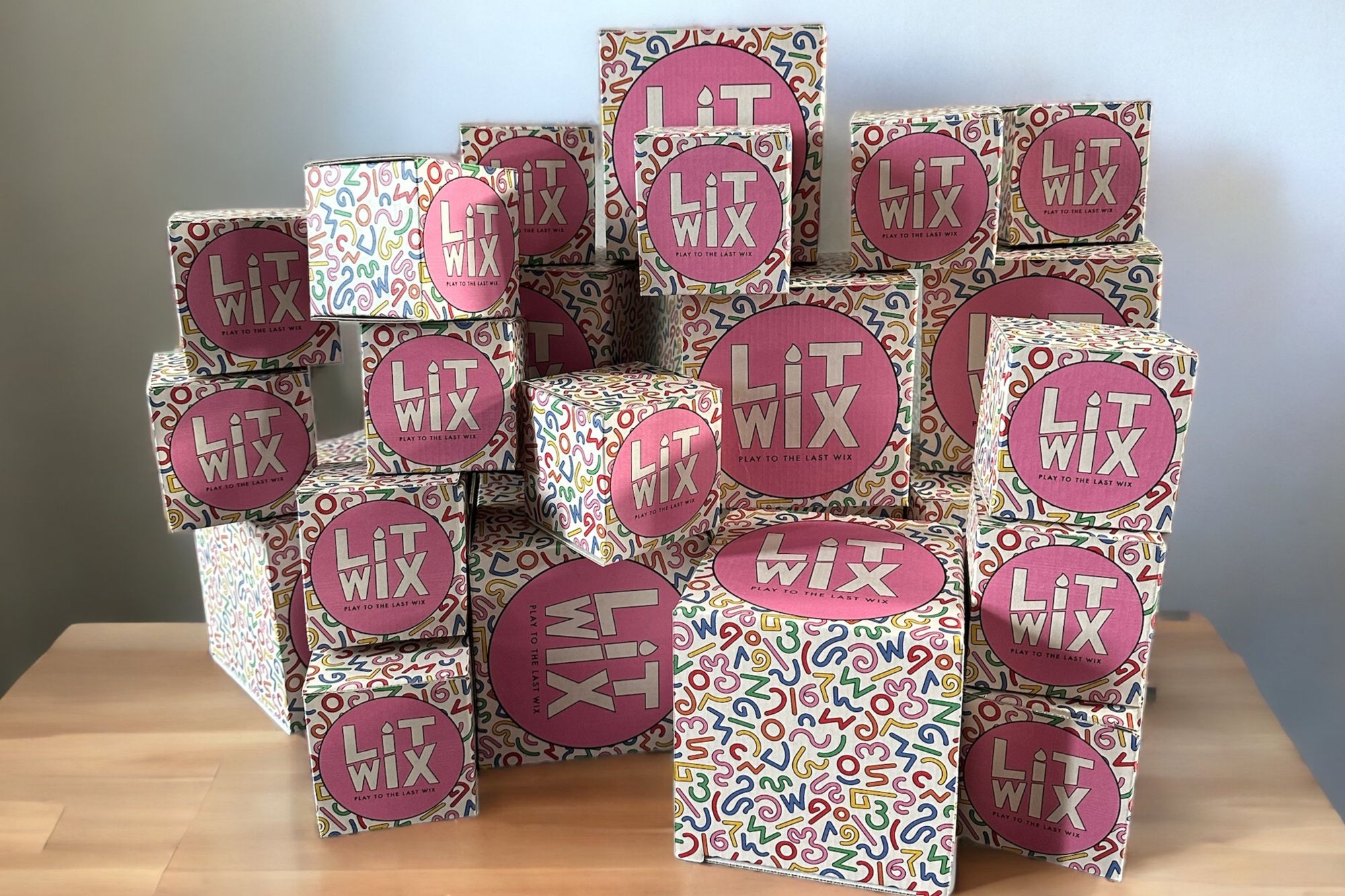
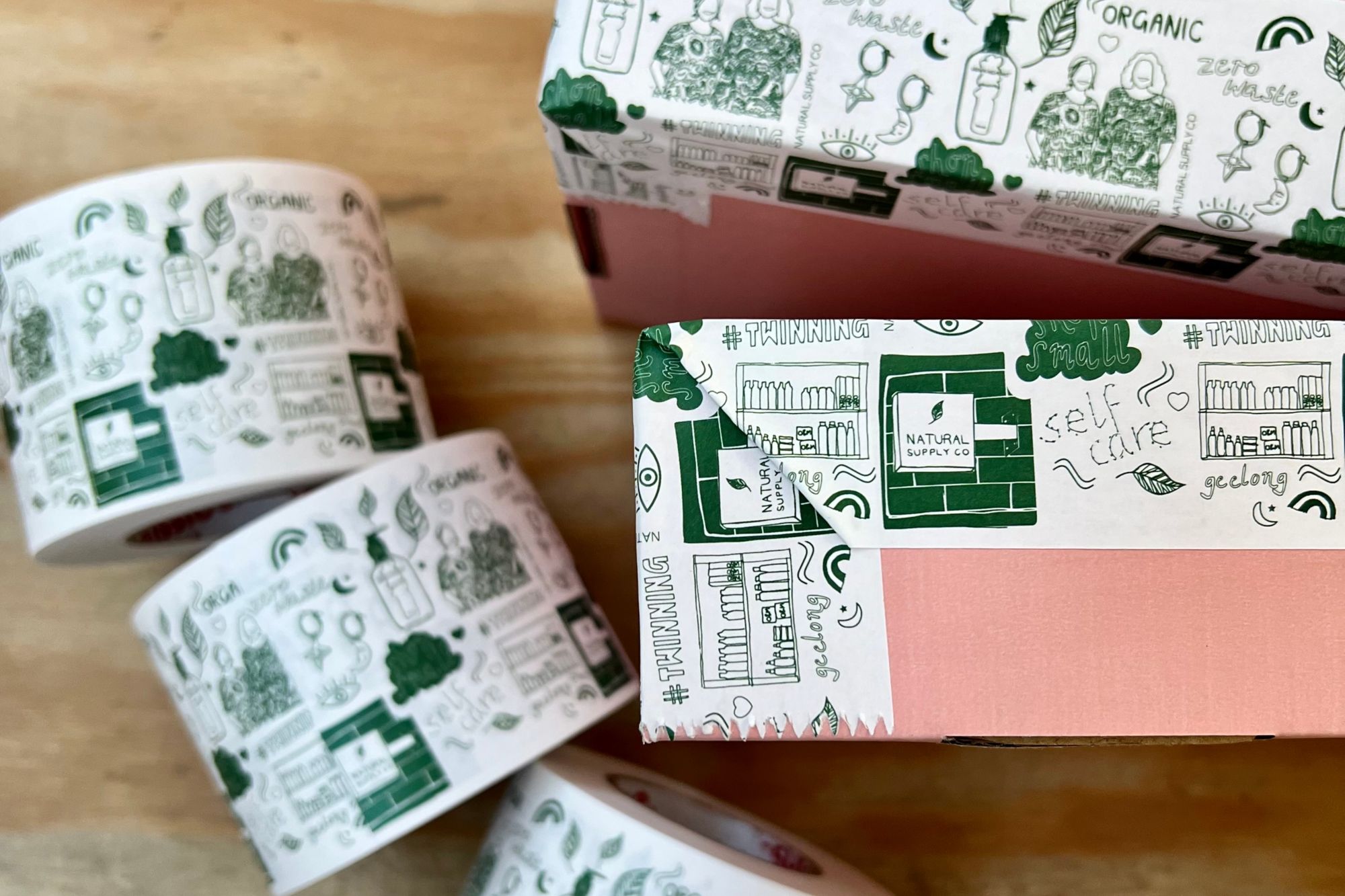
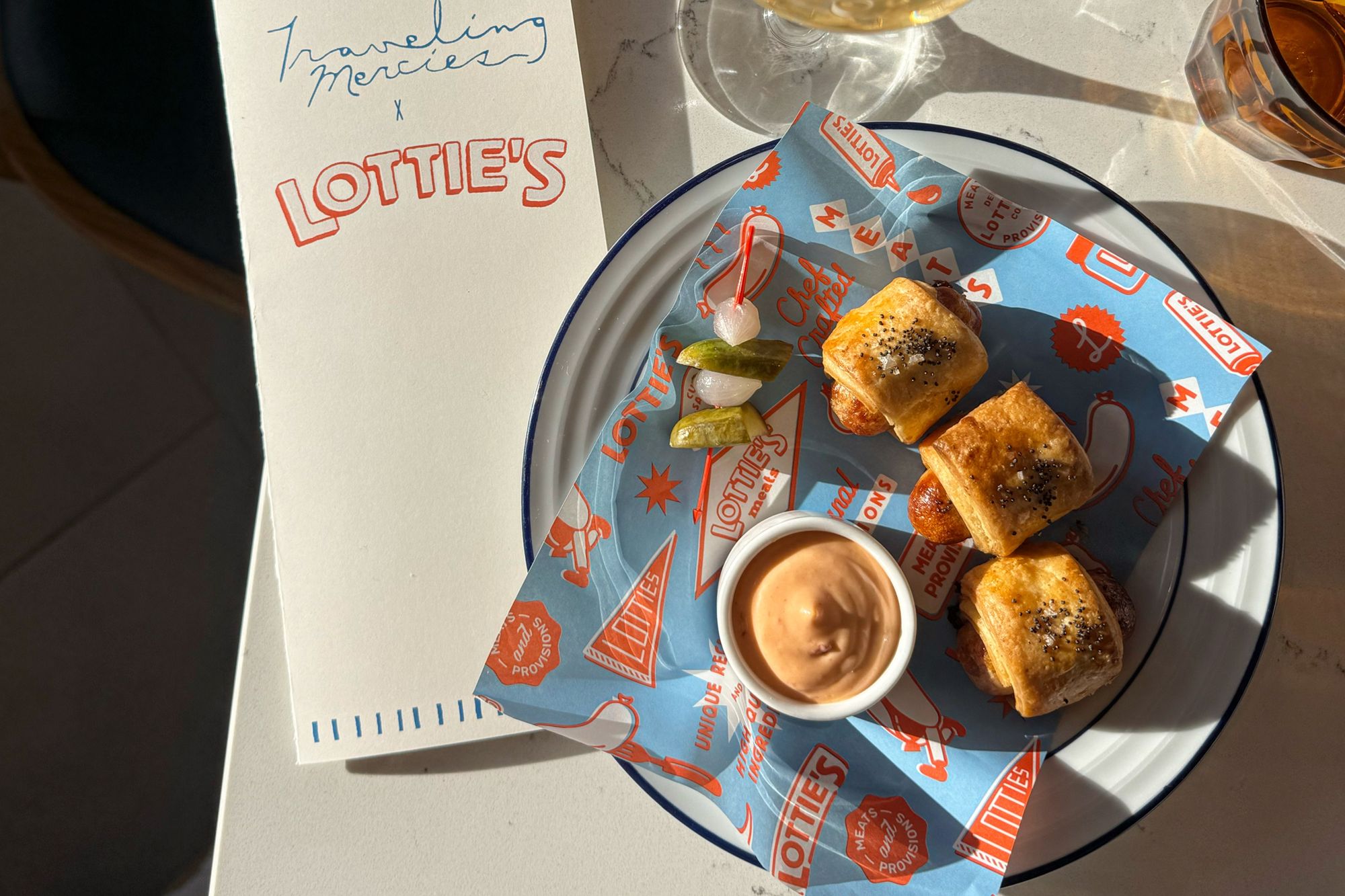
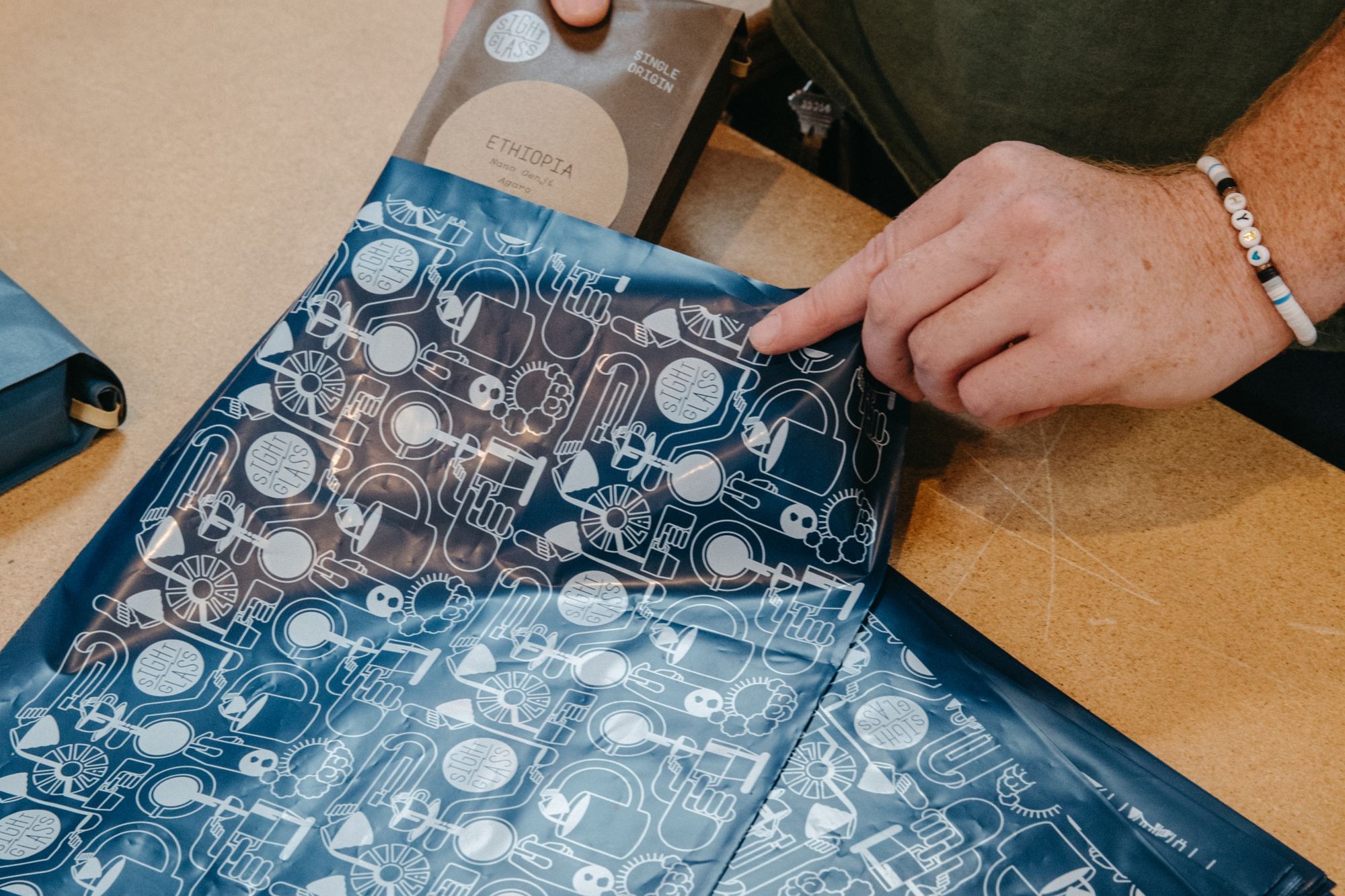
See how tendlyn customers create repetitive pattern designs for their packaging products!
Tissue paper

Boxes
Tape
Food paper
Mailers
🎁 Wrapping it up!
Whether you need iconic branding for your business or want to make new designs as a hobby, creating repeated patterns can be a lot of fun — especially since it’s so easy!
Want to use a repeated pattern design for your brand? tendlyn can bring your idea to life. We provide custom printing for a wide variety of packaging products. Join now and download our templates to upload your designs. Or, create your repeat patterns directly on-site with our free online tool! We offer a professional, no-cost pattern creation service when you order certain products, such as tissue paper and food paper.
Find more pattern design inspiration on our blog page, such as 5 design tricks you can do with tendlyn tissue paper and 8 ways to use line art in packaging.